A featured image from the Brink Helsinki Blog Post: Editing in Animation. In the image there is a set of pens, rulers and sticks on a autumn forest floor, representing an editing timeline.

Editing in Animation

Editing in Animation: Mastering Timing, Flow, and Visual Rhythm

Editing is the invisible art that shapes the flow, pacing, and emotional impact of animation. While many associate editing with live-action filmmaking, it plays an equally vital role in animation storytelling.

Unlike traditional film editing, where editors work with pre-recorded footage, editing in animation is an iterative process that starts early—often in the storyboard and animatic phase—and evolves alongside production. A well-crafted edit guides the viewer’s eye, refines timing, and ensures seamless storytelling from scene to scene.

In this guide, we explore essential editing techniques to improve rhythm, continuity, and shot composition in animation.

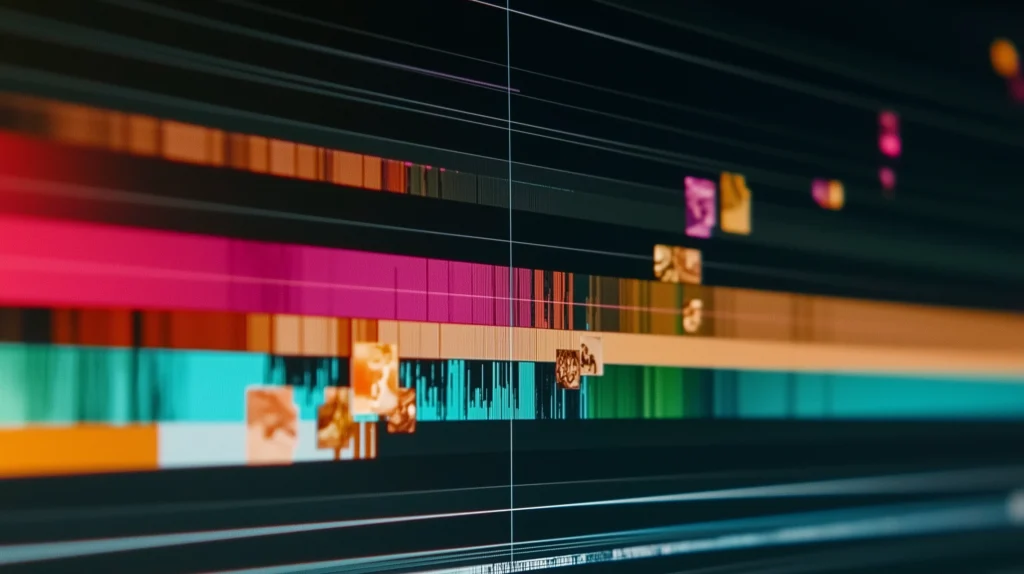
Content image from the Brink Helsinki Blog Post: Editing in Animation. The image is an artistic representation of a video editing timeline.

The Role of Editing in Animation

Editing in animation involves managing the timeline, arranging shots, and fine-tuning pacing to create an engaging viewing experience. Unlike live-action, where footage is captured first and edited later, animation is edited progressively—starting with storyboards, then previs, and ultimately final renders.

Since animators work on scenes where every frame counts, a well-planned edit saves time, reduces revisions, and ensures a cohesive narrative. The earlier an edit is refined, the fewer adjustments are needed in later production stages.

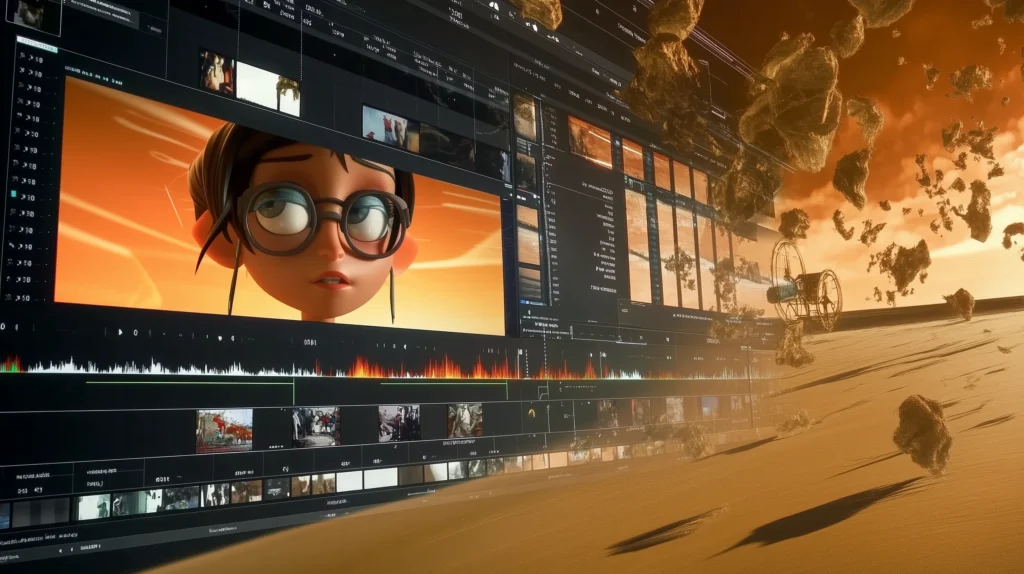
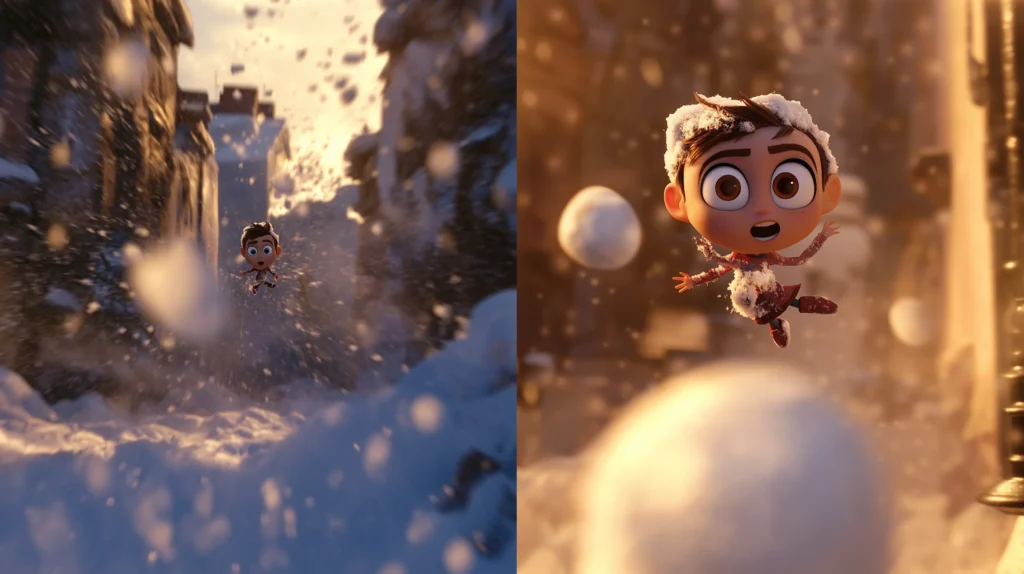
A content image from the Brink Helsinki Blog Post: Editing in Animation. In the image there is an artistic impression of an editing software with an animated character floating in a turbulent desert-like environment.

Essential Editing Techniques for Animation

1. Arrive Late, Leave Early

One of the most powerful rules in film and animation editing is to compress time efficiently.

  • Instead of showing an entire sequence of events, cut into the action at the latest possible moment and leave as soon as the essential information is conveyed.
  • This technique keeps pacing tight, avoids unnecessary filler, and maintains audience engagement.
  • Every second of screen time should either progress the story, develop the character, or build atmosphere—if it doesn’t, cut it out.
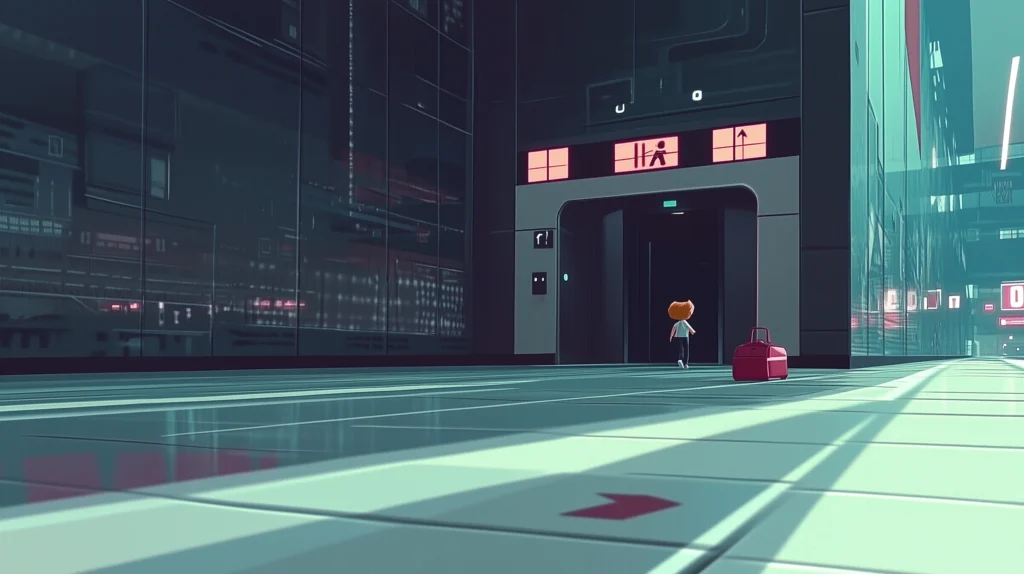
A content image from the Brink Helsinki Blog Post: Editing in Animation. The image represents the editing concept Arrive Late and Exit Early.

Example: Instead of showing a character walking into a room, sitting down, and starting a conversation, cut directly to the dialogue—the audience will fill in the blanks.

2. Continuity of Movement

Smooth transitions between shots create a visually satisfying flow. One of the best ways to achieve this is by maintaining continuity of movement.

  • When a character, prop, or camera moves in one shot, try to match the direction and velocity in the next shot.
  • This makes cuts feel seamless and natural, rather than abrupt or jarring.
  • While not every shot needs to match motion, being mindful of this technique can greatly improve the viewing experience.

🎥 Example: If a camera moves in a specific direction in one shot, the next shot can have movement that complements the previous one (camera or object) – giving a sense of fluid transition.

3. Point of Focus: Guiding the Viewer’s Eye

The human eye naturally follows points of interest in a scene, such as faces, objects, or movement.

  • When editing, be mindful of where the viewer’s eye is naturally drawn in a shot.
  • Avoid cutting between shots where the point of focus jumps dramatically—this can feel disorienting.
  • Instead, use framing and composition to guide the viewer’s attention smoothly from one shot to the next.

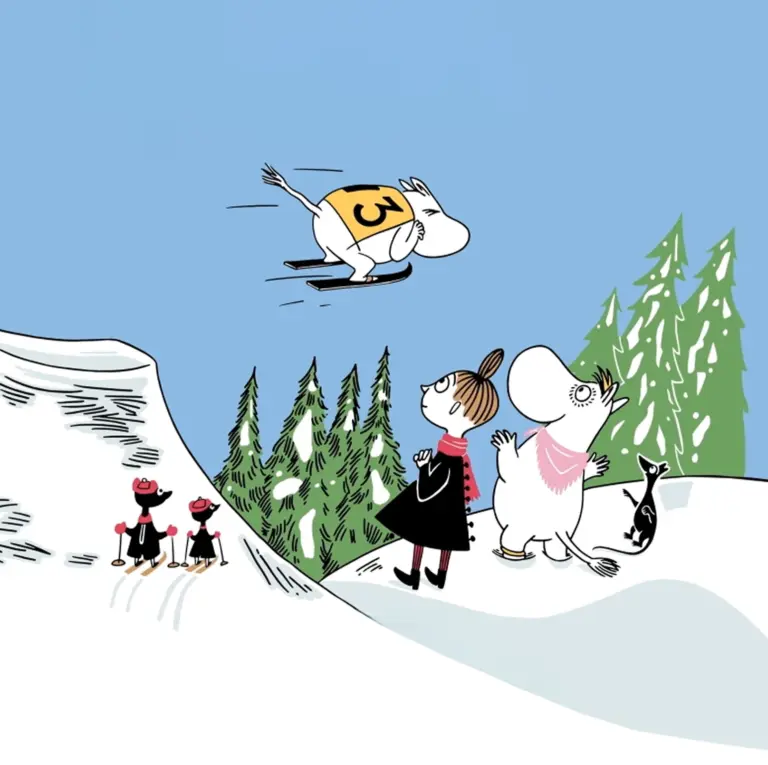
👀 Example: Notice how the viewer’s eye is being guided by placing important Points of Focus between shots. Animation example from Disney Pixar’s Toy Story 4.

4. Match Cut: Creating Visual Connections

A match cut is a seamless transition between two shots with similar shapes, compositions, or movements.

  • This technique is often used for symbolic storytelling, dramatic reveals, or smooth scene transitions.
  • Effective match cuts can create a subconscious connection between two unrelated scenes, enhancing storytelling.

🔁 Example: Example of a  match cut – or rather a match dissolve – with a strong emotional message. Example scene from Disney Pixar’s Up.

5. Jump Cuts & Shot Size Variation

Jump cuts—where the same subject remains in frame across multiple cuts—are a stylistic choice that can create a sense of urgency or energy.

  • To avoid awkward jumps, use a minimum shot size difference of two levels (e.g., close-up → medium shot, rather than close-up → slightly wider close-up).
  • This ensures that each cut feels distinct and doesn’t appear like an accidental glitch.

🔀 Example: A clever scene of a montage that utilizes jump cuts to visualize passage of time. Scene from Disney Pixar’s Up.
6. Using Variable Shot Sizes for Impact

A mix of wide, medium, and close-up shots creates a visually engaging sequence.

  • Wide shots establish environments and situate characters within the scene.
  • Medium shots focus on character interactions.
  • Close-ups emphasize emotion and detail.
A content image from the Brink Helsinki Blog Post: Editing in Animation. The image represents using variable shot sizes in editing.

🎬 Example: In an action scene, starting with a wide shot of the battlefield, then cutting to medium shots of characters engaging, and finally to close-ups of intense expressions creates layered visual storytelling.

7. Stay Organized: The Key to Efficient Editing

A professional animation editor must be highly organized to ensure an efficient workflow.

  • Use clear file structures and naming conventions for assets, sequences, and versions.
  • Label your layers and timelines so that changes can be made easily without confusion.
  • If someone else needs to step in, they should be able to immediately understand your project setup.
A content image from the Brink Helsinki Blog Post: Editing in Animation. The image represents having a clean editing timeline.

📂 Example: A well-organized editor can quickly locate and swap updated animation shots without redoing entire sequences.

8. Temporary Music & Sound Effects

Sound plays a crucial role in timing, pacing, and emotion.

  • Work closely with the sound design team to ensure that music and sound effects complement the edit.
  • Temporary music can help define the rhythm of a scene, but be mindful of syncing final sound design before rendering the final cut.
  • Sometimes, sound effects are essential for conveying action—such as a footstep emphasizing impact or a dramatic pause before a reveal.
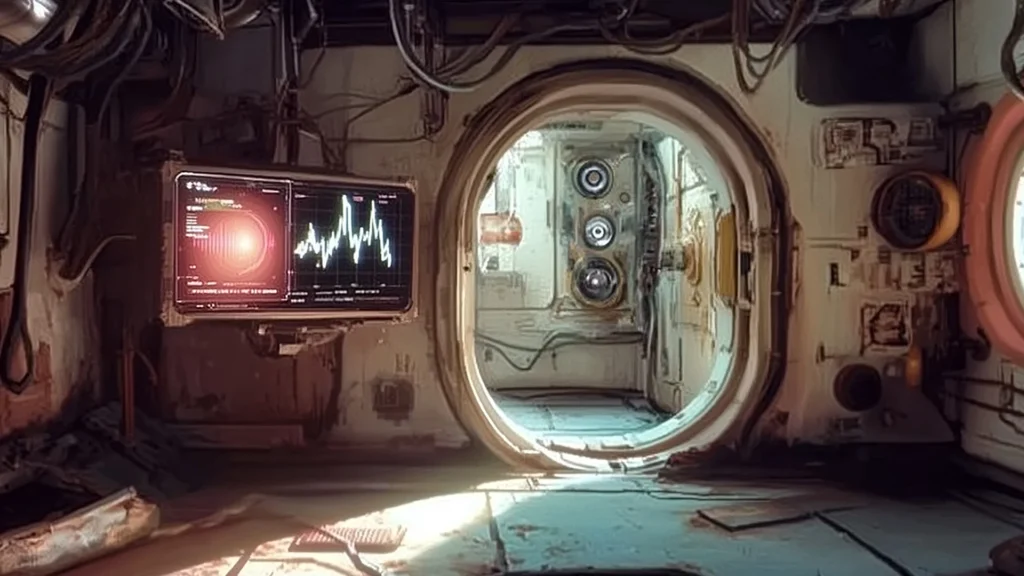
A content image from the Brink Helsinki Blog, visualizing the use of temporary music and sound effects.

🎵 Example: A suspenseful moment in animation might feel too empty without ambient sound, requiring a low, rumbling audio cue to enhance tension.

Final Thoughts: Mastering Editing in Animation

Great animation editing balances timing, rhythm, and visual flow to create an immersive experience. Whether refining an animatic, tweaking pacing in previs, or finalizing cuts in post-production, a skilled editor ensures the final animation feels seamless and engaging.

By mastering continuity, shot composition, motion flow, and sound integration, animators and editors can craft captivating stories that hold audience attention from start to finish.

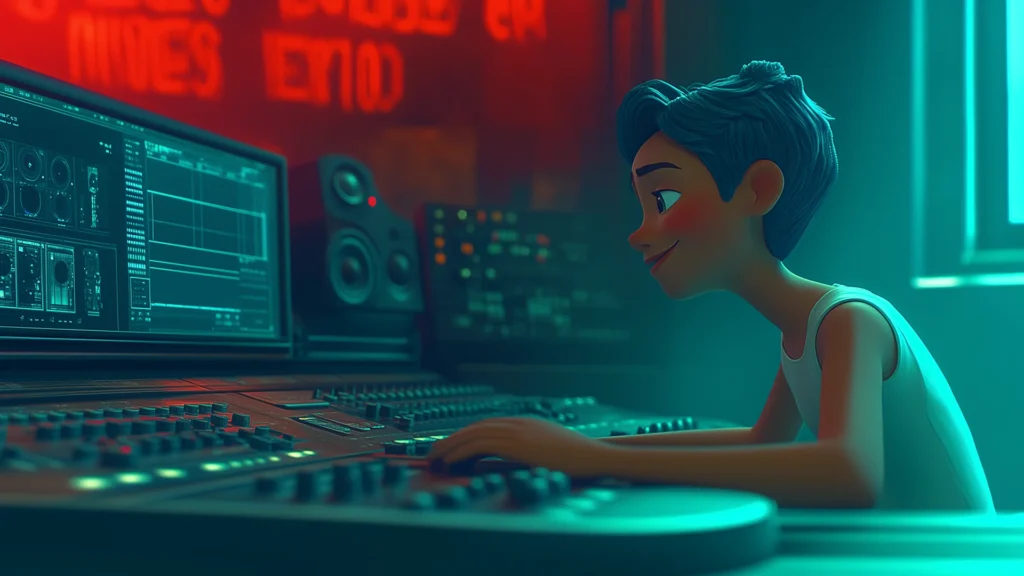
A content image from the Brink Helsinki Blog. In the image there is an animation character sitting in a video editing suite. The lighting is dark and moody, cinematic.

Key Takeaways

Trim the fat—keep scenes tight and impactful.
Use continuity of motion to blend shots smoothly.
Guide the viewer’s eye by controlling the point of focus.
Vary shot sizes to create dynamic, engaging sequences.
Stay organized—a clean timeline saves time and frustration.

If you enjoyed this guide, make sure to check out other posts in our blog!

Need cool edits in your marketing animations? 
Don’t hesitate to get in touch!

Scroll to Top