Cinematography in Animation: The Art of Visual Storytelling
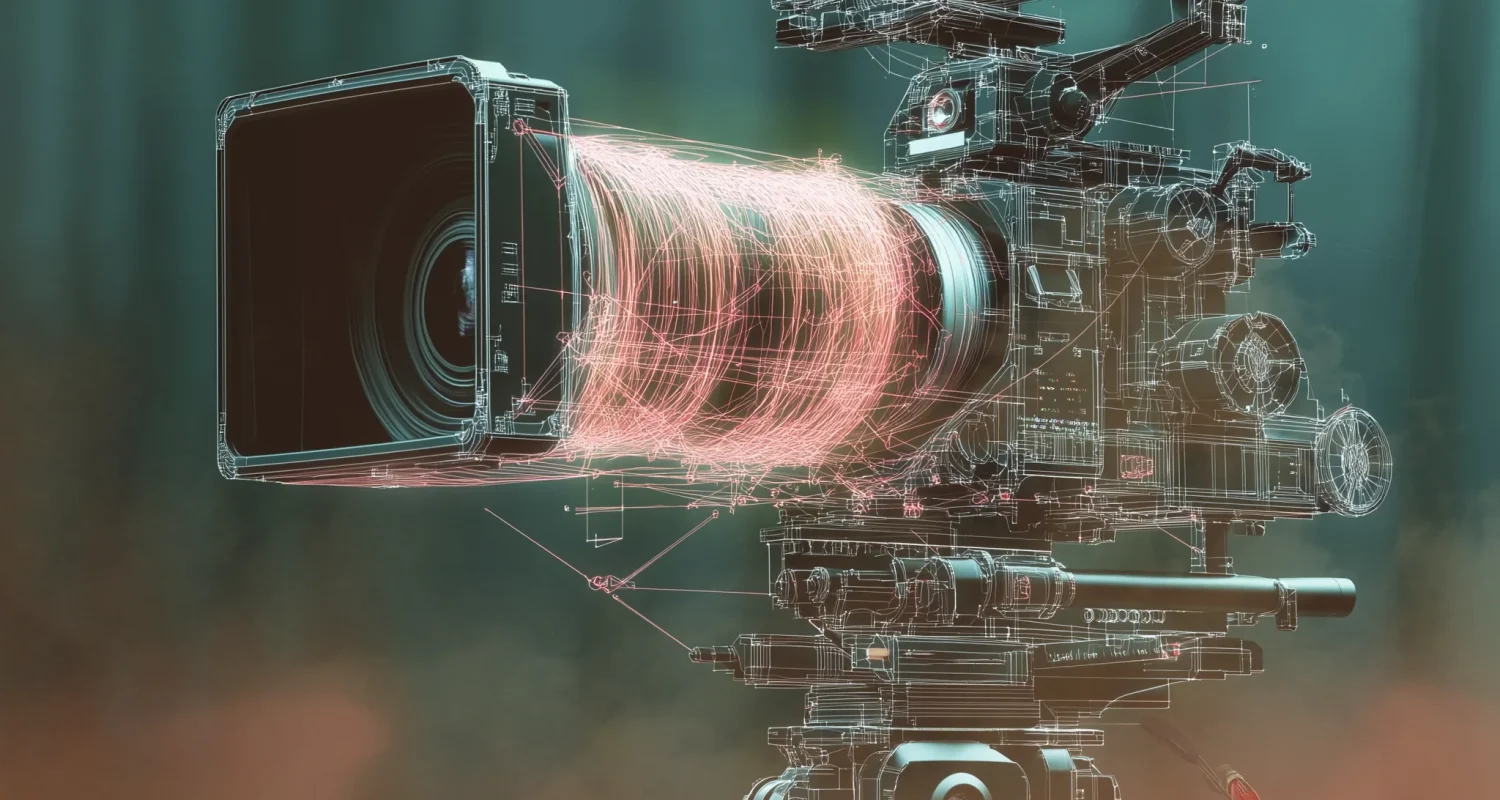
Cinematography is the art of using the camera to visually tell a story. While often associated with live-action filmmaking, it plays an equally vital role in animation. Every animated project, whether it’s a feature film, TV series, or commercial, requires thoughtful cinematography to shape the audience’s perception of the story, mood, and emotions.
Unlike live-action, where filmmakers work with physical cameras, lenses, and lighting, animation allows complete control over every aspect of cinematography. However, this freedom can sometimes lead to overuse of unrealistic camera movements that break immersion. Understanding traditional film techniques ensures that cinematography in animation feels intentional, cinematic, and visually compelling.
While lighting in animation is a massive topic of its own (to be covered in a separate guide), this post focuses on camera movement, shot composition, framing, lens selection, and camera properties such as shutter speed—all fundamental elements of cinematography in animation.
Mastering Composition in Animation
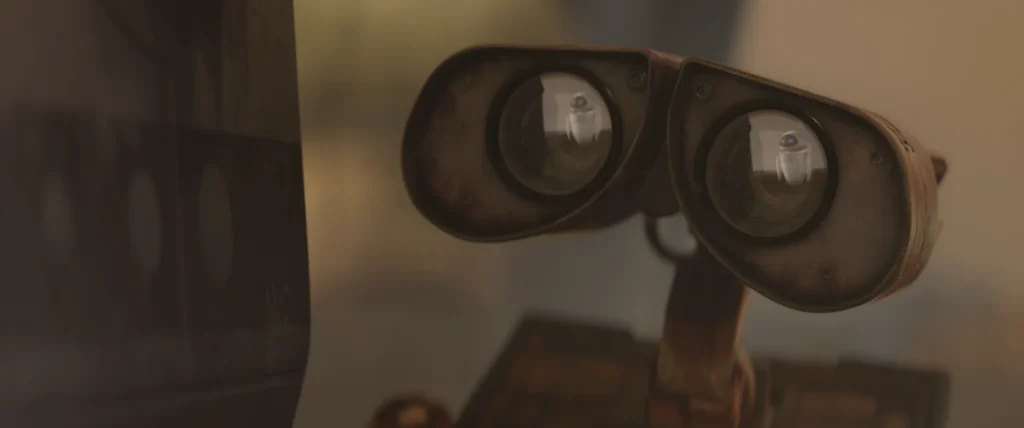
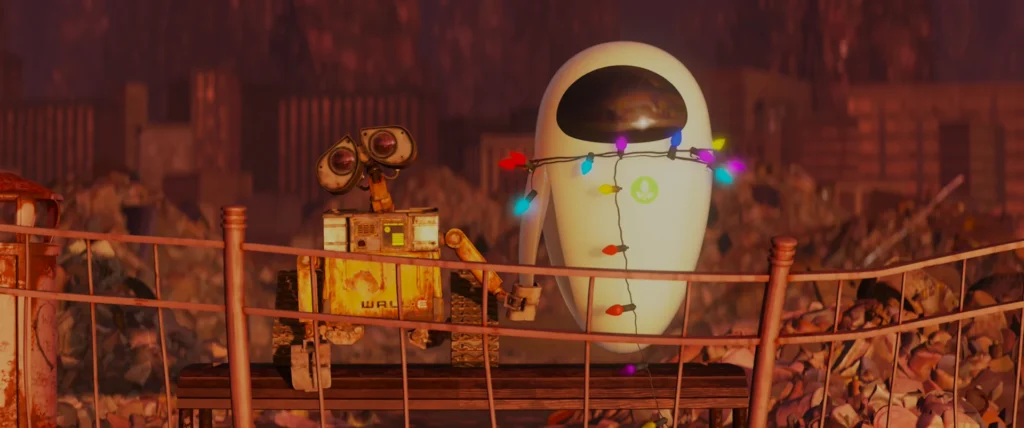
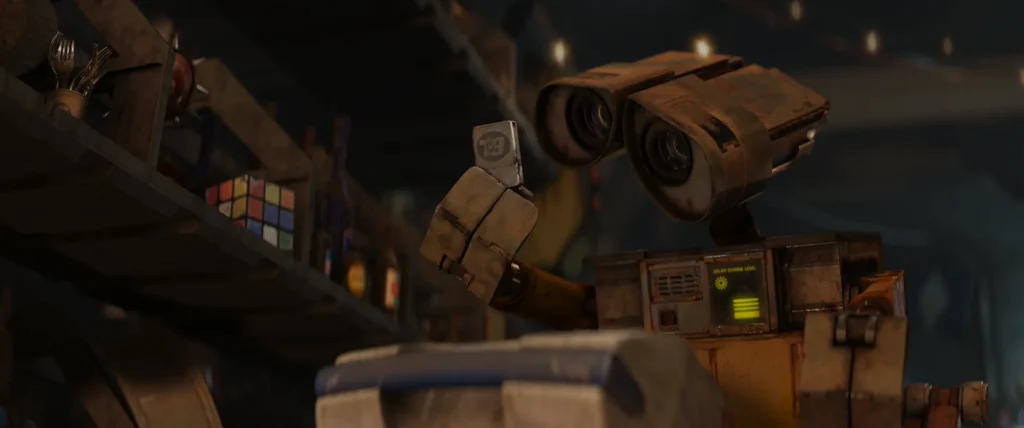
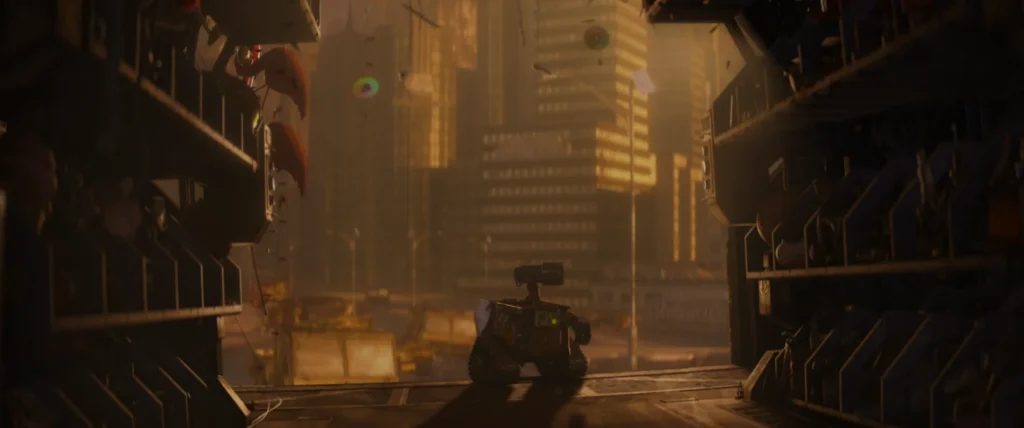
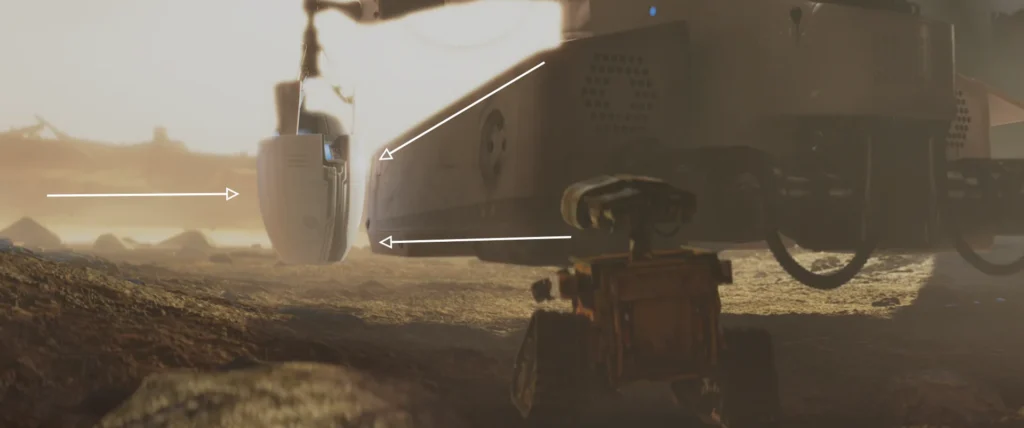
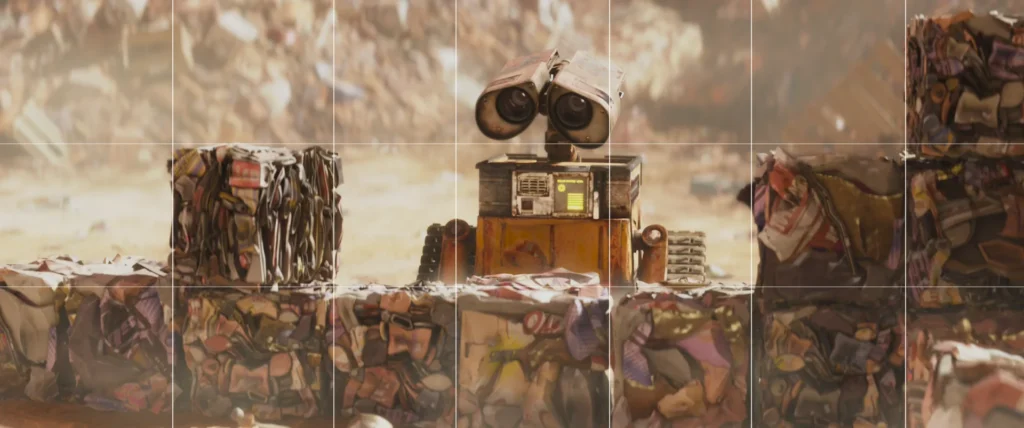
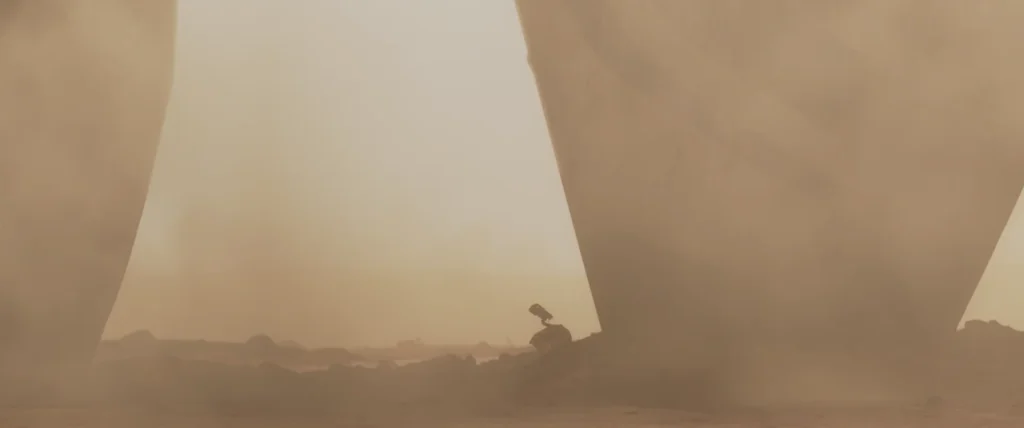
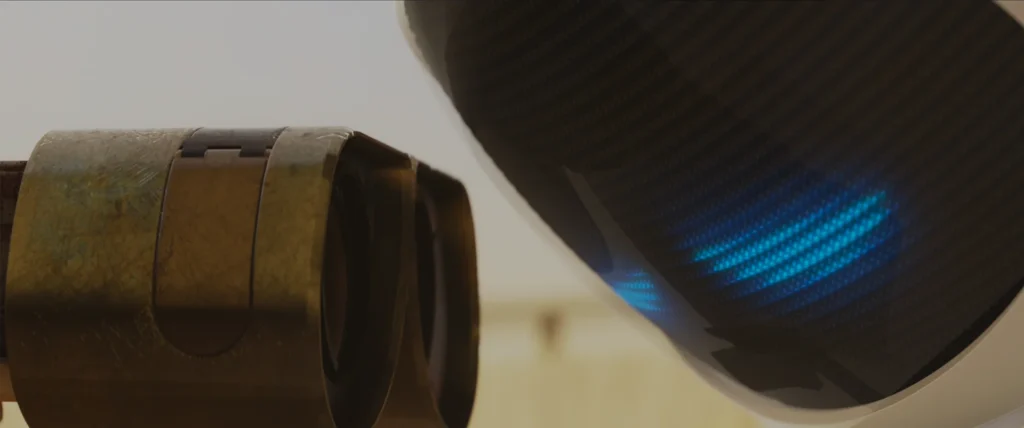
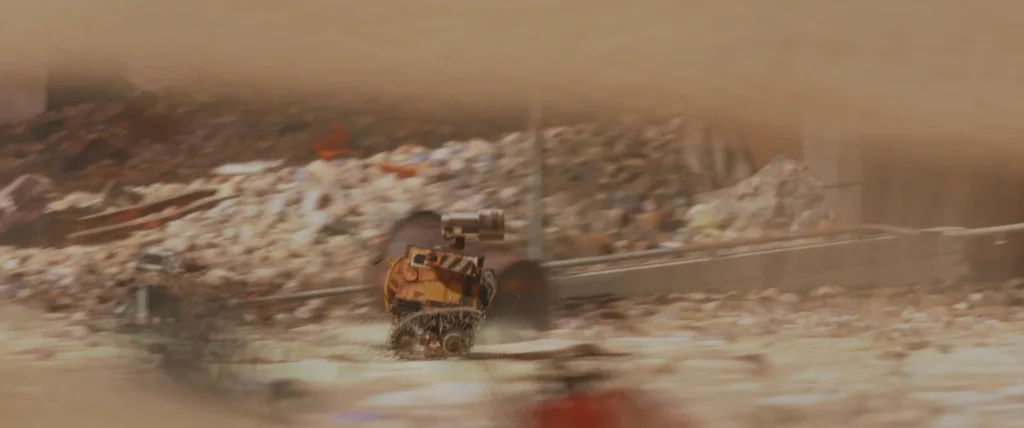
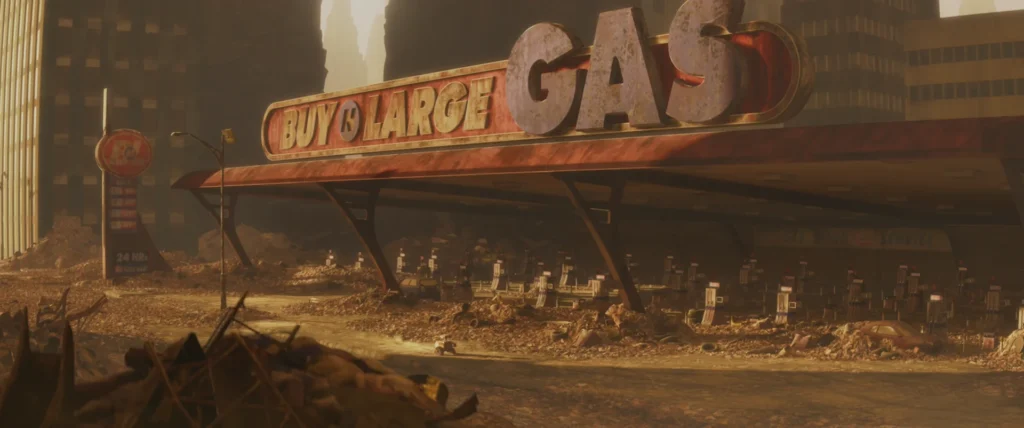
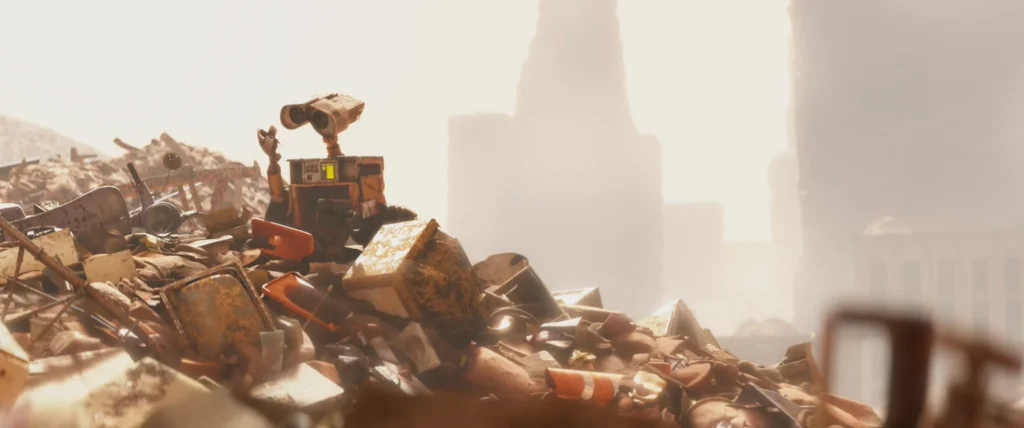
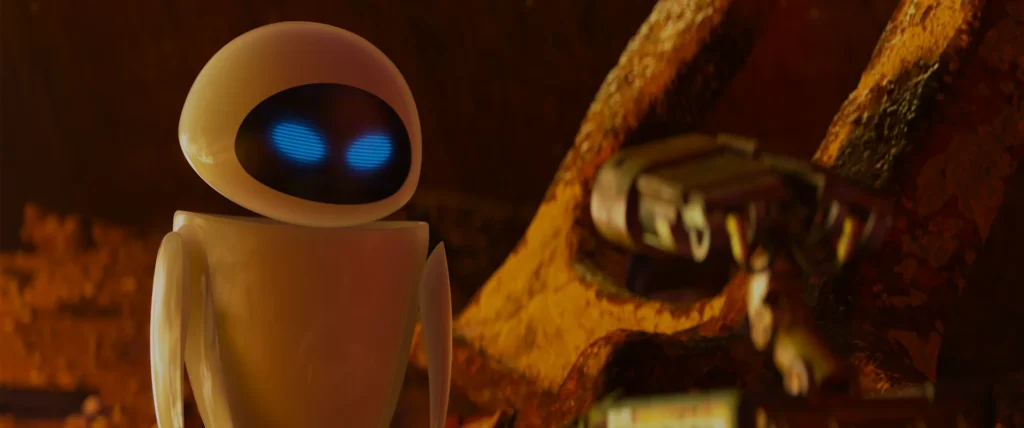
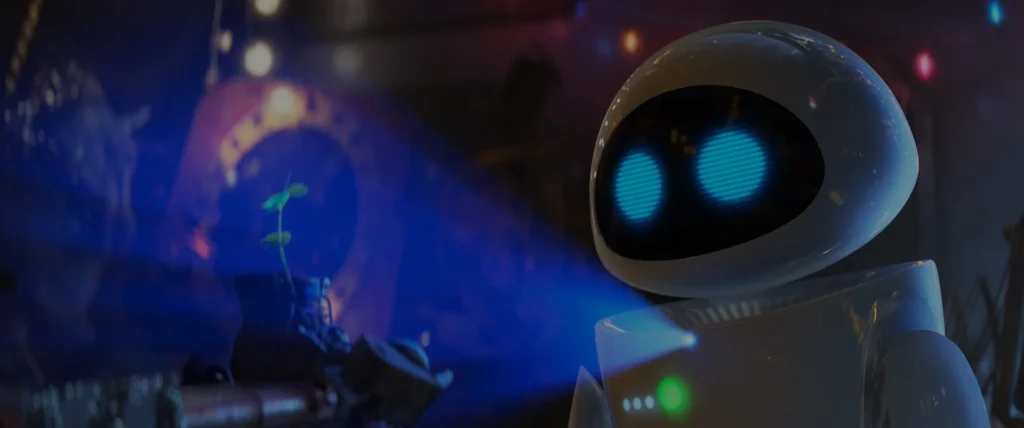
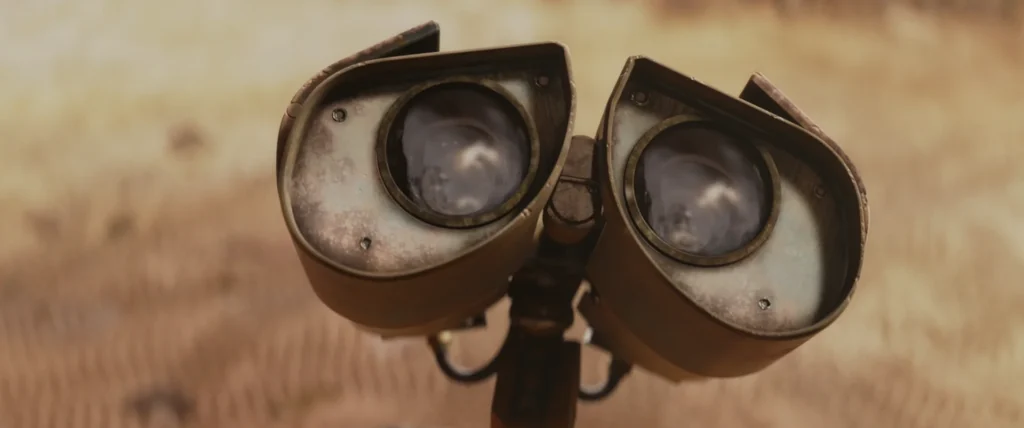
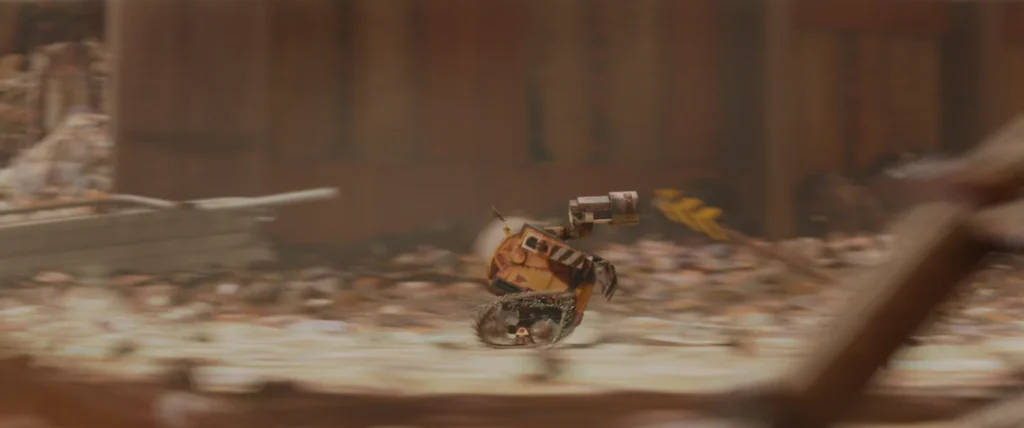
Composition is the art of arranging elements within the frame to create a visually engaging and effective shot. It influences how the audience interprets the scene and guides their attention to important details. The example images in this blog post are from Disney Pixar’s feature animation WALL-E, since it is a masterpiece in cinematography in animation.
Essential Composition Techniques
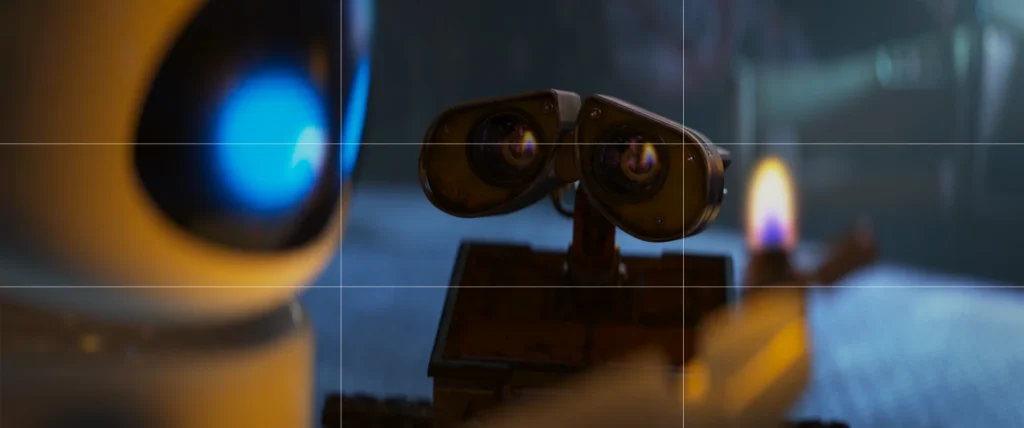
1. Rule of Thirds
This technique divides the frame into nine equal sections using two vertical and two horizontal lines. Placing key subjects along these lines or at their intersections creates a balanced and dynamic shot instead of just centering everything.
2. Centered Composition & Symmetry
While the rule of thirds creates dynamic compositions, centered framing can create a sense of balance, formality, or tension. Symmetry is often used for strong character moments, intense confrontations, or eerie visuals.
3. Foreground, Midground, and Background
A well-composed shot includes three layers:
- Foreground (objects closest to the camera).
- Midground (main subject).
- Background (the environment or secondary details).
This creates depth and dimension, making the scene feel more immersive.
4. Frame Within a Frame
Using natural framing elements—such as windows, doorways, or trees—to enclose a subject draws attention and adds depth to the scene. This technique can create an effect of intimacy, confinement, or voyeurism.
5. Leading Lines
Lines in the environment—such as roads, walls, or shadows—help guide the audience’s eye toward key subjects. This technique ensures that viewers naturally focus on the intended visual elements.
6. Patterns & Breaking the Pattern
Humans are drawn to repetitive patterns. Breaking a pattern—such as a single misaligned object in a structured environment—immediately catches the eye and creates visual tension.
7. Negative Space vs. Filling the Frame
- Negative space isolates the subject with large empty areas, creating a feeling of loneliness, minimalism, or vulnerability.
- Filling the frame eliminates distractions, emphasizing details and emotional intensity.
The opposite of using negative space is to fill the frame with your subject(s) – giving a different feeling to the shot.
8. Rule of Space
When a character is moving or looking in a direction, leave space in front of them within the frame. This allows the audience to anticipate movement and avoids a trapped, unnatural feel.
Shot Sizes: Framing for Storytelling
Different shot sizes determine how much of a subject or environment is visible within the frame. This directly influences the emotional impact and storytelling clarity.
Common Shot Sizes in Animation
1. Extreme Wide Shot (EWS)
Shows a vast environment with a tiny character, emphasizing isolation or scale. Often used for establishing shots.
2. Wide Shot (WS)
Also called a long shot, this captures a character’s full body within the environment.
3. Medium Shot (MS)
Frames a character from the waist up. Ideal for dialogue scenes, balancing body language and facial expressions.
4. Close-Up (CU)
Focuses on a character’s face, emphasizing emotions.
5. Extreme Close-Up (ECU)
Zooms in on small details (eyes, hands, an object), intensifying focus.
Using Shot Sizes Effectively
- Establishing shots (EWS, WS) introduce locations and set the scene.
- Medium shots (MS) allow natural dialogue and character interactions.
- Close-ups (CU, ECU) emphasize emotions and dramatic moments.
Moving the Camera: The Power of Motion
Camera movement in animation adds depth, emotion, and storytelling impact. While animation removes real-world limitations, it’s essential to respect physics and cinematographic principles for natural, immersive shots.
Common Camera Moves in Animation
1. Pan
The camera rotates left or right, along the vertical axis of the camera, often used to follow movement or reveal information.
2. Tilt
A vertical pan that moves up or down, creating a sense of scale or vulnerability.
3. Dolly
The camera moves forward or backward, drawing the audience into or away from a subject.
4. Truck
A sideways dolly shot, following a moving subject.
5. Crane Shot
The camera moves up or down, often used for dramatic reveals or epic establishing shots.
6. Rack Focus
A lens-based move shifting focus between foreground and background, guiding the audience’s attention.
7. Zoom
Another lens-based move that dynamically changes the focal length of the lens.  A zoom-in can guide the audience’s focus to a detail and a zoom-out can reveal the environment.
The Human Touch
Real-world camera movements aren’t perfect. Adding subtle imperfections (shakes, minor lag) makes animated cinematography feel organic and cinematic.
Lenses & Optics: The Cinematic Look
Choosing the right lens settings in animation mimics real-world cinematography for authenticity.
1. Focal Length & Perspective
- Wide-angle lenses (10-24mm): Distort perspective, exaggerate speed, and show more surroundings.
- Standard lenses (35-85mm): Offer a natural, realistic field of view.
- Telephoto lenses (100mm+): Compress space, isolate subjects, and create an intimate feel.
2. Depth of Field & Bokeh
- Shallow depth of field (f/1.8): Isolates subjects, creating creamy background blur (bokeh).
- Deep depth of field (f/16): Keeps the entire image sharp and detailed.
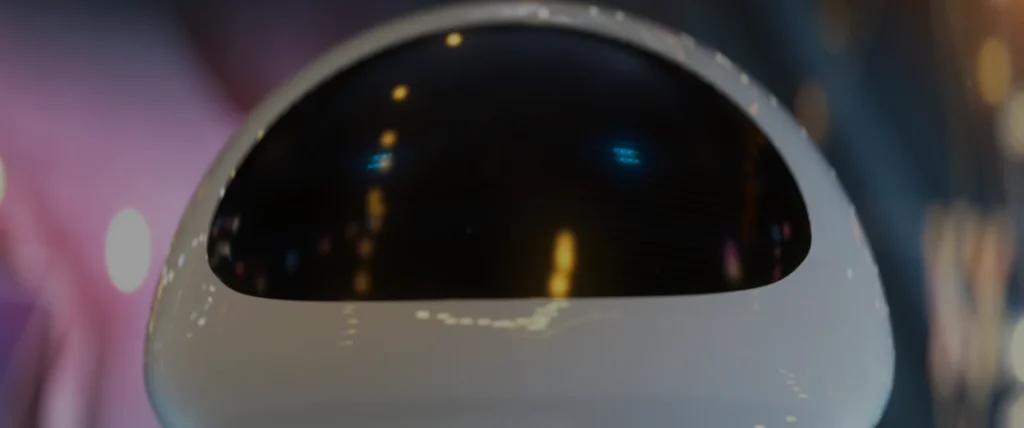
An example of an anamorphic bokeh effect in an out-of-focus background.
Shutter Speed: Controlling Motion Blur
Shutter speed is a critical factor in cinematography that affects both exposure and motion blur.
1. What Is Shutter Speed?
Shutter speed refers to how long the camera’s shutter remains open for each frame. In animation, this is often simulated digitally to replicate the way real cameras behave.
2. The Effects of Different Shutter Speeds
Slow shutter speed (e.g., 1/30s or lower):
- Creates more motion blur.
- Best for smooth, cinematic motion.
- Often used for character animation in feature films.
Fast shutter speed (e.g., 1/100s or higher):
- Reduces motion blur.
- Makes movements look crisper and sharper.
- Often used for action-heavy animations.
Extreme fast shutter speed (e.g., 1/250s and above):
- Completely removes motion blur, creating a staccato, jittery effect.
- Commonly used in intense action sequences or stylized animations.
For natural movement, animators typically aim for a shutter speed of 1/48s to 1/50s, mimicking the look of traditional film cameras.
The ability to apply and control shutter speed and motion blur in animation is crucial, especially when fast-moving objects are in the frame, ensuring a natural and realistic look.
Final Thoughts: Mastering Cinematography in Animation
Cinematography in animation shapes the way audiences perceive a story. Whether through shot composition, camera movement, or lens choices, thoughtful cinematography enhances storytelling, emotional impact, and visual engagement.
By studying real-world cinematography principles and applying them to animation, creators can achieve stunning, cinematic-quality visuals that captivate audiences.
So before moving your virtual camera, ask:
Would this shot work in live-action? If the answer is yes, you’re on the right path to mastering cinematography in animation.