Skip to content

Storyboarding for Animation: Crafting a Visual Blueprint for Success
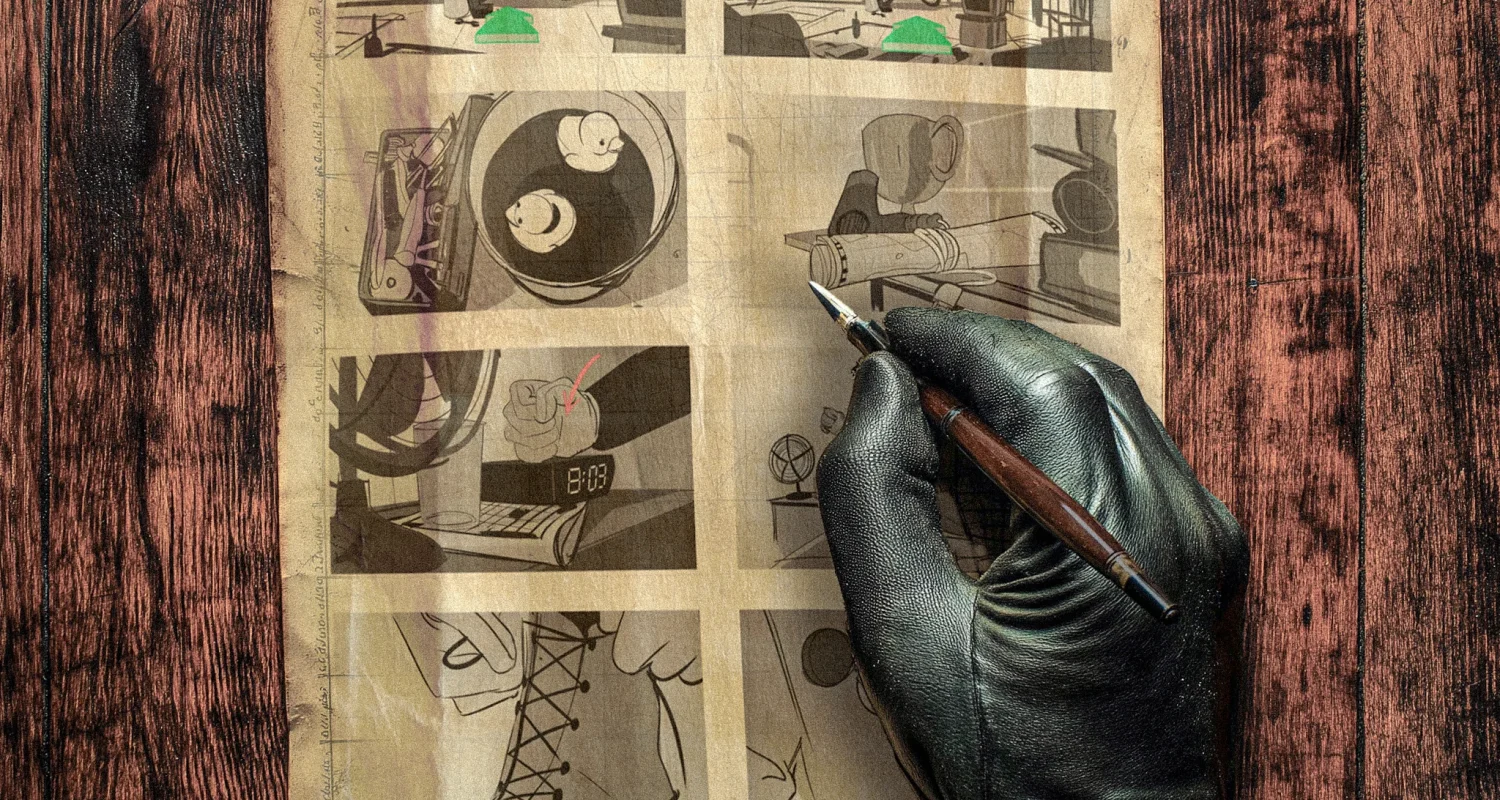
Oh my, we’ve reached the no-nonsense, hands-on stage of the production process—storyboarding for animation. A storyboard is the first visual design element created after the script is completed and greenlit for production. Simply put, it’s a rough, comic-book-style version of your script that breaks down the story into a series of shots. These shots, drawn by a storyboard artist, help bring the script to life by visually mapping out the flow of the animation.
What Is Storyboarding for Animation?
At its core, a storyboard is a powerful planning tool that lays the foundation for the entire animation. It provides a visual framework for the production team, helping everyone understand the composition, framing, and motion within each shot. But what exactly does a storyboard include? Let’s break it down:
Establishing General Image Composition
The storyboard determines where key elements—characters, objects, or environments—are positioned within the frame. This ensures that every visual detail supports the story.Defining the Type of Shot
It identifies the type of framing used for each shot, whether it’s a close-up, wide shot, medium shot, or something in between. This allows for better planning of emotional impact, pacing, and visual storytelling.Indicating Camera and Element Movements
Using arrows or visual cues, the storyboard shows the initial movements of the camera or other elements within the frame. Whether it’s a camera pan, zoom, or a character’s leap, these details are critical for planning dynamic shots.

The Importance of Storyboarding in Animation
Why is storyboarding for animation so essential? It acts as a bridge between the script and the final animation, ensuring that everyone on the team—producers, directors, animators, and designers—understands the visual and narrative goals of each scene.
1. A Tool for Iteration
Storyboards allow for rapid iteration and feedback. If a scene isn’t working, it’s much easier (and cheaper!) to tweak the storyboard than to fix an issue later in production.
2. A First Impression
In many cases, the storyboard is the first visual representation of the story. This is the moment to impress stakeholders or team members who may not yet see the full vision of the project. A polished storyboard can sell a concept, scene, or even a character to an audience.
3. Inspiration for the Team
For high-end animations, detailed storyboards can serve as a creative inspiration for the larger production team. A well-crafted storyboard ensures that everyone understands the shot’s intended mood, detail, and action, even if they’re not involved in every aspect of production.
How Detailed Should Your Storyboard Be?
The level of detail in storyboarding for animation depends on the production’s specific needs. Storyboards can range from simple sketches to fully detailed, colored illustrations. Let’s explore both ends of the spectrum:
Simple Storyboards
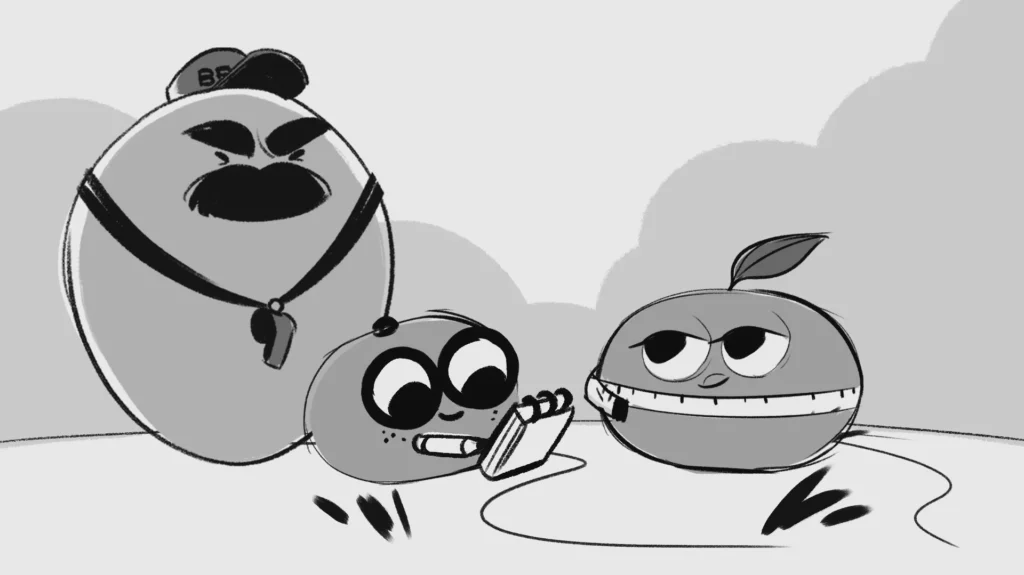
For quick and straightforward productions, a minimalist approach may suffice. Simple line drawings with basic framing and action cues can effectively communicate the required information. This saves time and keeps the focus on essential elements.
Detailed Storyboards
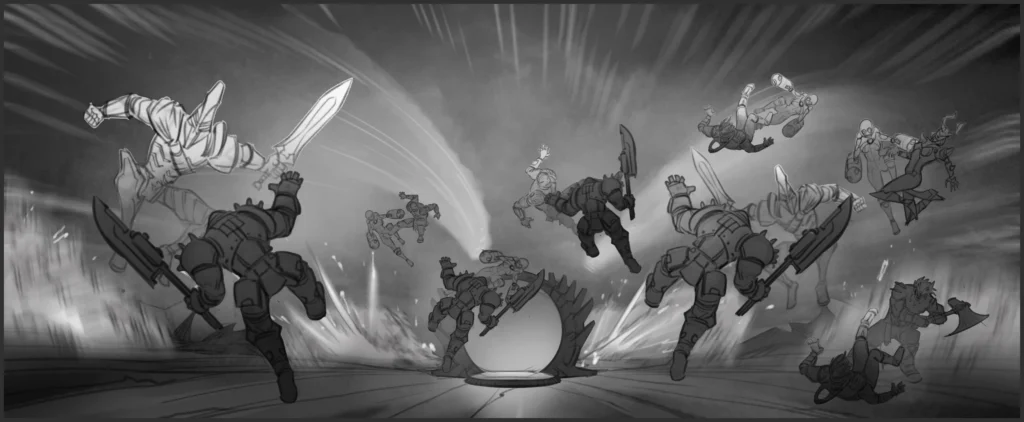
In contrast, high-end animations or complex sequences often demand detailed storyboards. These may include shading, full color, and multiple frames that resemble keyframes from the final animation. This level of detail ensures clarity for the team and helps set the tone for the final product.
Striking the Balance
Ultimately, the right level of detail can only be determined by an experienced director or producer. The key is to focus on what’s valuable: add detail to the parts of the storyboard that need it most. Like a great painting, not every part of the image needs the same level of attention—just the areas that drive the story forward.

Practical Tips for Effective Storyboarding
To ensure your storyboarding for animation is both efficient and impactful, follow these practical tips:
1. Know Your Production Goals
Before you start storyboarding, clarify the purpose of the project. Is it a quick explainer video, a short ad, or a feature-length animation? Knowing the end goal will help determine how much time and detail to invest in the storyboard.
2. Prioritize Key Scenes
Focus on visually important scenes that convey the story’s essence. If a shot has little impact on the narrative, keep it simple to save time and resources.
3. Be Clear and Consistent
Even rough sketches should clearly communicate composition, movement, and framing. Use consistent symbols (e.g., arrows for movement) and maintain clarity in each frame to avoid confusion.
4. Iterate and Refine
Don’t be afraid to revise your storyboard. Animation is a collaborative process, and feedback from your team will only improve the final product. Use the storyboard as a flexible tool to fine-tune your shots before production begins.

The Role of Storyboards in Marketing Animations
While storyboarding for animation is often associated with films or TV series, it plays a crucial role in high-end marketing productions as well. For example:
- Commercials: Storyboards ensure that every second of screen time delivers the brand’s message effectively.
- Explainer Videos: Storyboarding helps simplify complex ideas, making them easier for viewers to understand.
- User Acquisition Animations: A well-planned storyboard can highlight key story points and game elements, capturing the audience’s attention and driving engagement.
By planning these scripts visually, brands can create impactful, story-driven marketing content.
Final Thoughts: Storyboarding for Animation
Storyboarding is the blueprint of any animation production. It allows teams to visualize, plan, and refine their storytelling, bridging the gap between a script and the final animation. Whether you’re crafting a simple explainer video or a high-end animated feature, storyboarding for animation is an essential step that ensures clarity, consistency, and creative excellence.
By balancing simplicity with detail, and focusing on the production’s goals, you can create storyboards that not only guide the production process but also inspire the team and impress your audience.
If you enjoyed this guide, make sure to check out other posts in our blog!
Ready to take your storyboards to the next level?
Don’t hesitate to get in touch!

Ilari Koskinen
Executive Producer
+358 40 773 7312
ilari@brinkhelsinki.com